There's a neat trick you can use to copy a picture of a spreadsheet in Excel 2003 or Excel 2008 for Mac. It's great for getting a spreadsheet snapshot into your presentation software.
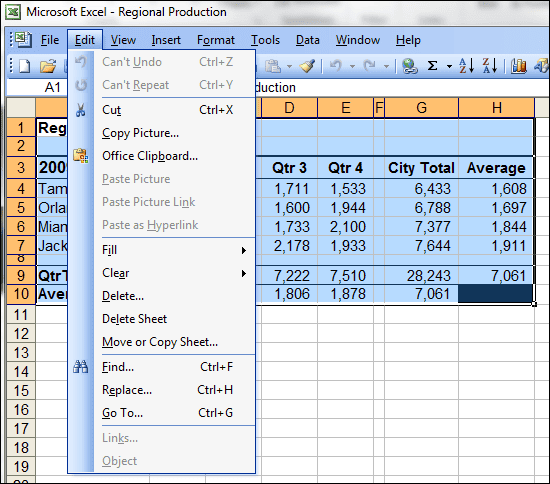
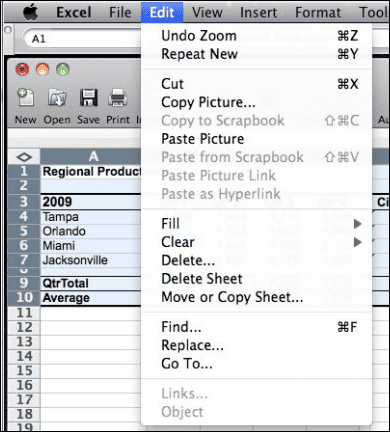
First you select the range you want to copy, then hold the shift key down while you click the Edit menu.
What you see is menu items that don't normally appear.
Excel 2003
Excel 2008
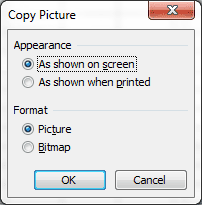
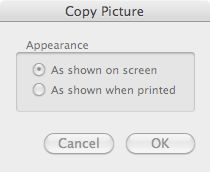
Select Copy Picture and you get a dialog box.
Excel 2003
Excel 2008
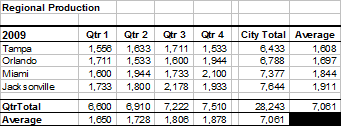
Here is a picture with the appearance As shown on screen.
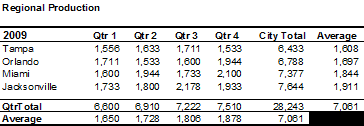
And here is the appearance As shown when printed. (no grid lines)
If you want to paste a picture into Excel, just hold the shift key down while selecting the Edit menu and you can either Paste the picture OR Paste Picture Link.