If you have a Gmail or Google Docs account, getting a quick look at a Microsoft Excel file is now supported with the Google Docs Viewer. Just click the View link beside the file name in your email and the Google Docs Viewer will open to give you a quick look.
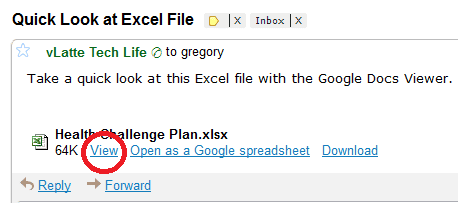
Now you can send Excel files to people who have a Gmail or Google Docs account and they will be able to view your spreadsheet information. Not the greatest view of a spreadsheet file, but it's better than nothing.
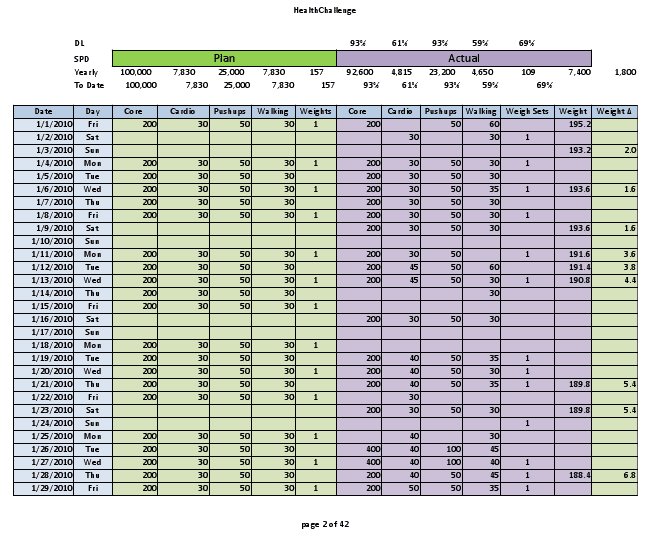
In the Google Docs Viewer you have the option to save the file in Google Docs. The file is saved as an Excel file and you can then come back later to view the file.
There is also an option in your email to Open as a Google Spreadsheet, but this converts the Excel file to a Google Spreadsheet file and everything may not survive. Below is an example of a few Excel array formulas that did not convert.

Most simple to intermediate spreadsheets — in size and complexity — will convert just fine.