Excel 2008 for Mac requires more work to remove duplicate values in a data set because of it's lack of features. Excel 2007 and 2010 have the Remove Duplicates feature. Excel 2003 and Excel 2008 for Mac don't.
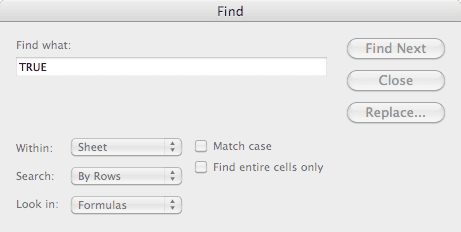
In my last post I used a formula and the Find box to remove duplicate values in Excel 2003. However, Excel 2008 for Mac has no "Find All" button in the Find box.

You can't "Find All" values of TRUE because that functionality doesn't exist.
How to Remove Duplicates in Excel 2008
Nevertheless, even if the function does not exist, I still need to know how to remove duplicates in excel 2008. First, I have to remove some duplicate values in the Weight column on my spreadsheet. So I used the following procedure:
Sort the spreadsheet in ascending order by Date.
In cell C2 add the formula: =B2=B1, which will be FALSE if C2 is unique, and TRUE if it's a duplicate value to the cell above it.
Copy the formula down by double clicking the fill handle.
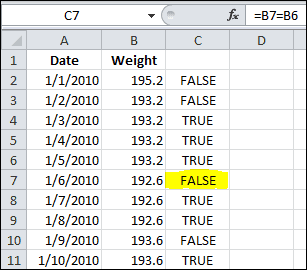
Select all formulas by making C2 the active cell, and using the keyboard shortcut Cmd+Shift+Down arrow.
Copy, and then Edit»Paste Special»Values .
Enter a label in cell C1. (I used ID)
Select cell C2 and click the Sort Ascending button on the toolbar.

Scroll down column C and select the first TRUE value.
Use the keyboard combination Cmd+Shift+Down arrow to select the remaining TRUE values.
Right click on one of the TRUE cells, and select Delete... from the popup menu
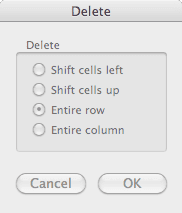
In the Delete dialog box, select Entire Row and then click OK.
Remove column C by right-clicking the header, and click Delete from the popup menu.
What's left are the unique Weight values in chronological order.